Legal document organization tips for small teams can make or break your department's efficiency when you're working with limited headcount. A three-person legal team handles the same regulatory demands as a department of twenty; the difference is margin for error. Missed contract deadlines, misfiled compliance records, and scattered version histories don't just slow you down.
They expose your company to real risk. Small teams need systems that are lean, repeatable, and built for the way people actually work. This guide walks through four concrete steps to organize your legal documents without drowning in process. Understanding what legal operations really means is the starting point for building a system that scales with your team's workload rather than against it.
Key Takeaways
- A consistent naming convention eliminates 80% of document retrieval frustration for small teams.
- Centralized storage with role-based access prevents version conflicts and unauthorized edits.
- Metadata tagging by matter type, status, and date accelerates search across thousands of files.
- Scheduled quarterly audits catch orphaned documents and expired contracts before they become liabilities.
- Workflow automation reduces manual filing tasks by up to 60% for in-house legal teams.

Step 1: Standardize Your Naming Conventions and Folder Structure
Build a Naming Formula Your Whole Team Follows
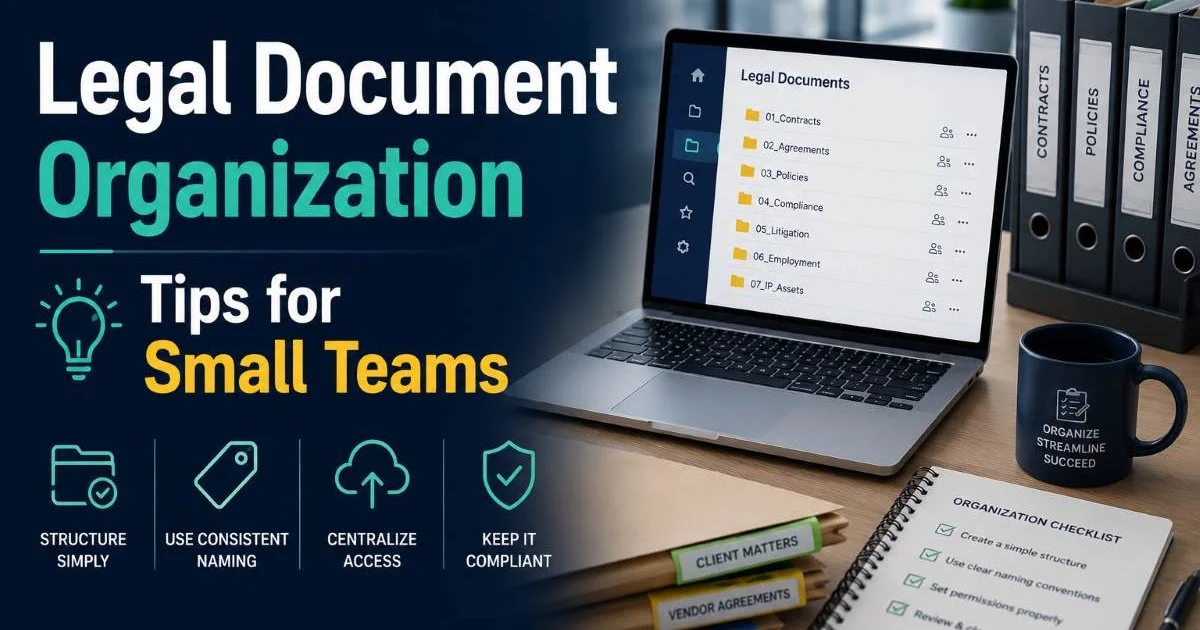
The first and most impactful thing a small legal team can do is agree on a single naming convention. Something like [YYYY-MM-DD]_[ClientName]_[DocType]_[Version] instantly tells anyone what they're looking at. No more files called "Final_FINAL_v3_edited.docx" floating around your shared drive. When every team member uses the same formula, searching becomes predictable, sorting becomes automatic, and onboarding new hires takes minutes instead of hours.
Consistency matters more than perfection here. Pick a format that's easy to remember and enforce it from day one. Document it in a one-page style guide that lives at the top of your shared drive. If someone deviates, correct it immediately. Small teams have an advantage in this area because you can achieve full adoption in a single meeting, something larger departments struggle with for months.
Print your naming convention on a laminated card or pin it in your team's chat channel for quick reference.
Create a Logical Folder Hierarchy
Folder structure should mirror how your team actually retrieves documents, not how you imagine they should. Most in-house legal teams organize by matter type first (contracts, compliance, litigation, corporate governance), then by year, then by entity or counterparty. This three-tier approach keeps the depth manageable. Going deeper than four levels creates friction that discourages proper filing, and people start dumping files in the root.
Test your folder structure by asking a teammate to find a specific document without guidance. If they can locate it in under 30 seconds, your hierarchy works. If they can't, restructure. Legal document organization tips for small teams always come back to this principle: the system must be faster than asking a colleague where something lives. A well-designed folder tree eliminates that question entirely.
Step 2: Centralize Storage and Control Access
Establish a Single Source of Truth
Scattered storage is the silent killer of small legal teams. When contracts live in email attachments, compliance records sit in personal desktops, and board resolutions hide in someone's Dropbox, you don't have a filing system. You have a scavenger hunt. Centralizing all legal documents into one platform, whether that's SharePoint, Google Workspace, or a dedicated legal document management system, eliminates duplication and version conflicts permanently.
The migration itself takes effort, typically a focused week for a small team. Start by inventorying every location where legal documents currently live. Email inboxes are often the worst offenders; teams that use AI-powered document readers can scan and extract attachments from email archives far faster than doing it manually. Once everything is in one place, set a hard rule: if a document isn't in the central repository, it doesn't exist. This forces compliance with the system from the start.
Never rely on local hard drives or desktop folders as primary storage. A single hardware failure can destroy irreplaceable legal records.
Set Permissions That Match Your Risk Profile
Not everyone on your team needs access to everything. Role-based permissions protect sensitive documents like employment agreements, M&A files, and board minutes from accidental exposure. Most cloud platforms let you set view, edit, and admin permissions at the folder level. For small teams, keep it simple: full access for the legal lead, edit access for team members on active matters, and view-only for external collaborators or business partners who need reference copies.
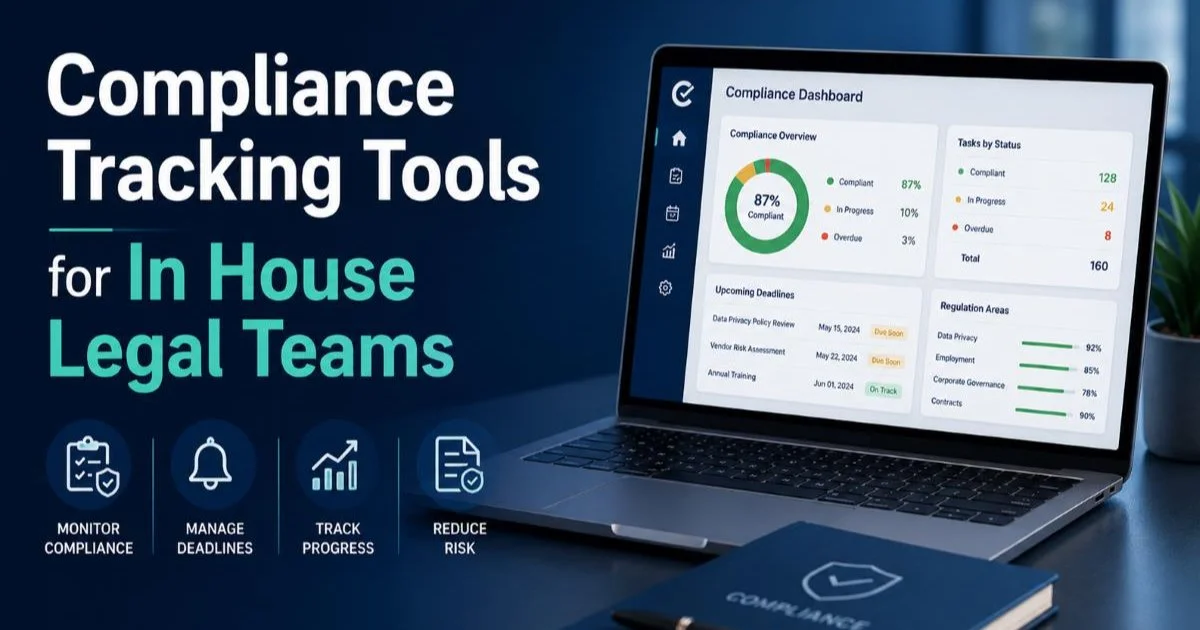
Tracking who accesses what also serves a compliance tracking function. Audit logs demonstrate that your team handled sensitive information responsibly, which matters during regulatory reviews or litigation holds. Teams that invest in compliance tracking tools built for in-house legal get this capability out of the box, with automated logs and alerts for unusual access patterns.
Step 3: Tag and Classify Every Document with Metadata
Choose the Right Metadata Fields
Folder structure gets you 70% of the way to findability. Metadata tagging gets you the rest. At minimum, every legal document should carry tags for matter type, document status (draft, under review, executed, expired), responsible attorney, and key dates. Contract management becomes dramatically easier when you can filter your entire repository by renewal date, counterparty, or governing law without opening a single file.
The table below shows recommended metadata fields for common legal document types. Tailor these to your team's priorities, but don't skip the basics. Legal document organization tips for small teams emphasize metadata because it's the fastest way to scale your search capabilities without adding headcount or expensive software.
| Document Type | Required Metadata Fields | Optional Metadata Fields |
|---|---|---|
| Contracts | Counterparty, Effective Date, Expiration Date, Status | Governing Law, Auto-Renewal Flag, Value |
| Compliance Records | Regulation, Filing Date, Jurisdiction, Owner | Next Review Date, Risk Level |
| Corporate Governance | Entity, Document Date, Resolution Type | Board Approval Status, Signatory |
| Litigation Files | Case Number, Court, Filing Date, Status | Opposing Counsel, Settlement Range |
| NDAs and IP Agreements | Counterparty, Execution Date, Term, Scope | Confidentiality Level, Territory |
Start with five to seven metadata fields maximum. Adding too many fields upfront creates tagging fatigue, and people stop filling them in.
Automate Tagging Where Possible
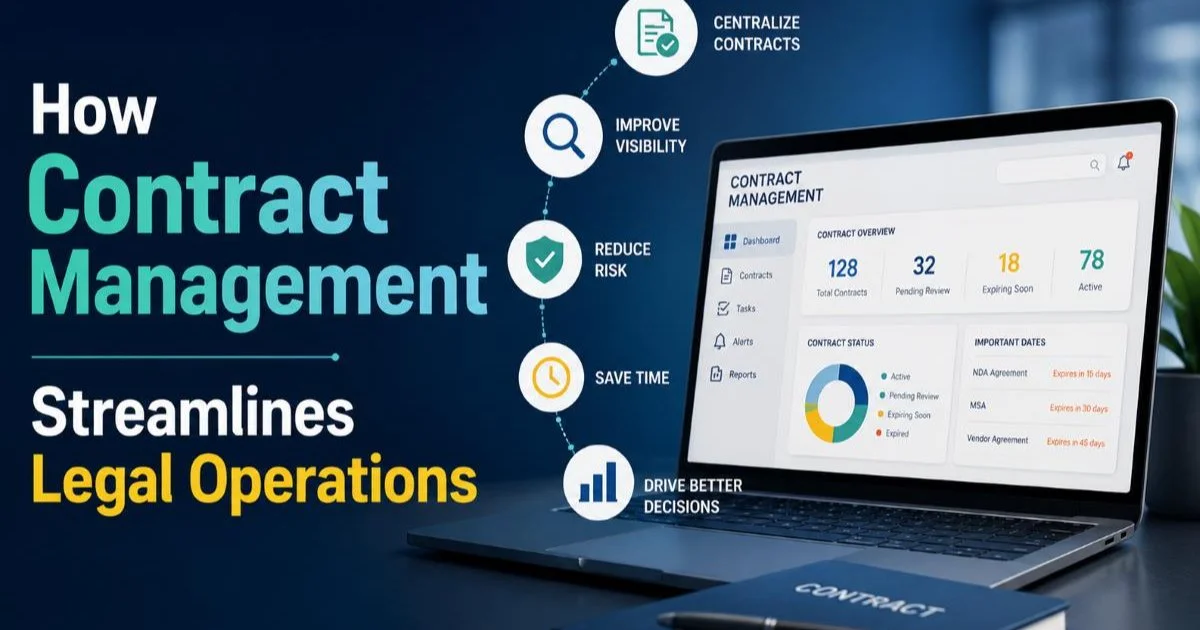
Manual tagging is tedious, and small teams rarely have the bandwidth to do it consistently. Modern legal operations tools can auto-extract metadata from document content, pulling counterparty names from contract headers, dates from signature blocks, and matter types from template identifiers. Understanding how contract management streamlines legal operations helps you see where automation delivers the most immediate time savings.
Even lightweight automation helps. If your platform supports rules-based workflows, set up auto-tagging triggers. For example, any document uploaded to the "Contracts/Executed" folder automatically receives a status tag of "Active" and a reminder flag 90 days before the expiration date stored in its metadata. These small automations compound over months, and teams that adopt workflow automation practices typically reclaim 10 to 15 hours per month that previously went to manual document management tasks.
"The best document organization system is the one your team actually uses every day without being reminded."
Step 4: Audit and Maintain Your System on a Regular Cycle
Run Quarterly Reviews
No organizational system survives contact with reality without maintenance. Every quarter, block two hours for a document audit. During this review, identify orphaned files (documents sitting outside the folder structure), expired contracts that haven't been archived, and any naming convention violations that crept in. This isn't glamorous work, but it prevents the slow decay that turns a clean repository into chaos within a year.
Create a simple checklist for your quarterly audit. Check that all executed contracts from the past quarter have complete metadata. Verify that compliance records match your regulatory calendar. Confirm that departed team members' personal folders have been consolidated into the shared structure. Staying current on open source compliance requirements is also worth including in your quarterly review if your company uses open source software. These reviews take minimal time but produce outsized returns in data hygiene.
Assign audit ownership on a rotating basis so every team member understands the full document ecosystem.
Iterate Based on Team Feedback
Your organizational system should evolve. After each quarterly audit, spend 15 minutes discussing what's working and what isn't. Maybe the folder structure needs a new top-level category for a growing regulatory area. Perhaps a metadata field nobody uses should be retired. Legal document organization tips for small teams only work long-term if the system adapts to how your team's workload actually changes. Rigid systems breed workarounds, and workarounds breed disorder.
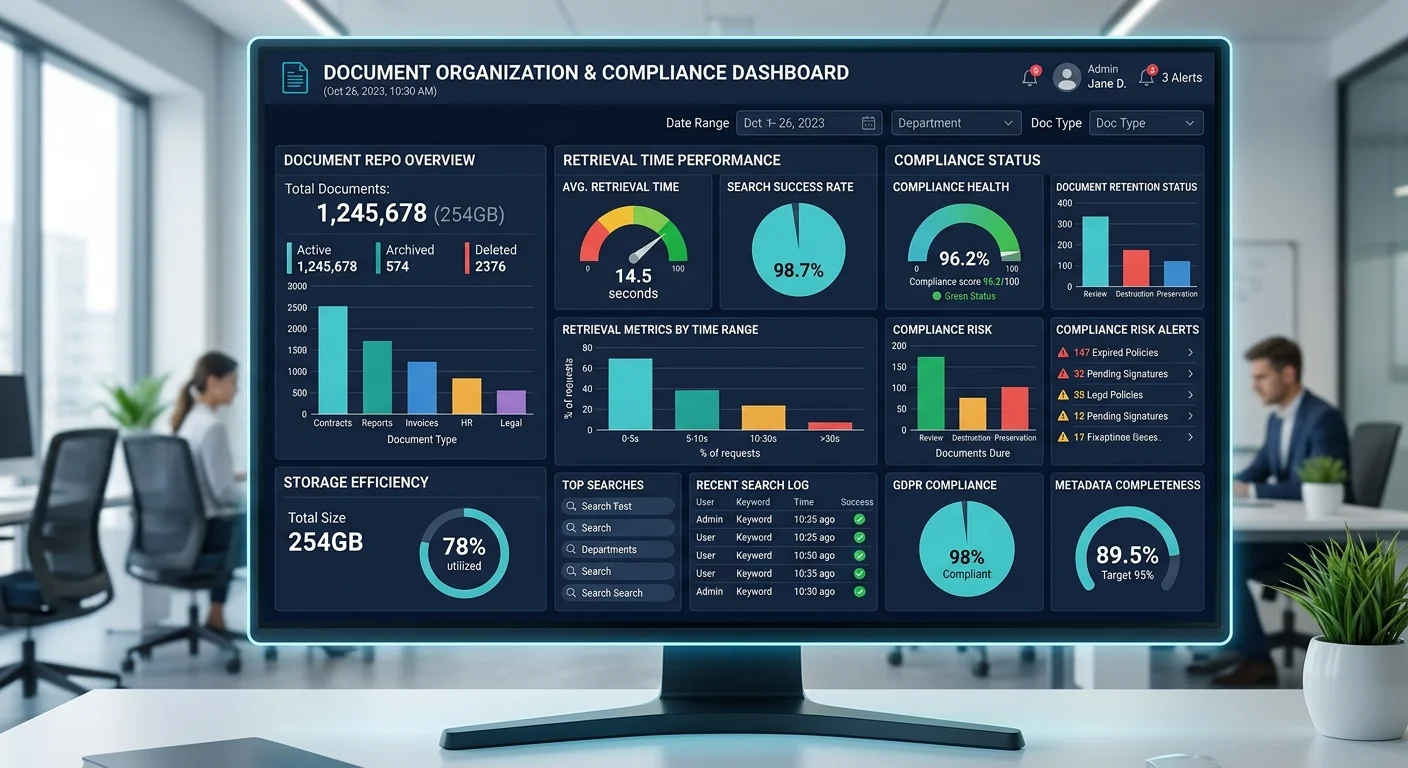
Track a few simple metrics to measure whether your system is improving. Average document retrieval time, number of misfiled documents found per audit, and percentage of documents with complete metadata are all straightforward indicators. When these numbers trend in the right direction quarter over quarter, you know the system is healthy. When they plateau or regress, that's your signal to investigate and adjust before small problems calcify into structural ones.
Frequently Asked Questions
?How do I enforce a naming convention when teammates keep deviating?
?Is a four-level folder hierarchy always better than going deeper?
?How long does setting up metadata tagging realistically take a small team?
?Can quarterly audits be skipped if the team is too busy to run them?
Final Thoughts
Legal document organization tips for small teams boil down to four disciplines: standardize naming, centralize storage, tag with metadata, and audit regularly. None of these steps requires expensive software or a massive time investment.
They require commitment to consistency and a willingness to maintain the system once it's built. Small teams that get this right move faster, reduce risk exposure, and free up mental bandwidth for the substantive legal work that actually drives business value. Start with naming conventions this week, and build from there.
Disclaimer: Portions of this content may have been generated using AI tools to enhance clarity and brevity. While reviewed by a human, independent verification is encouraged.