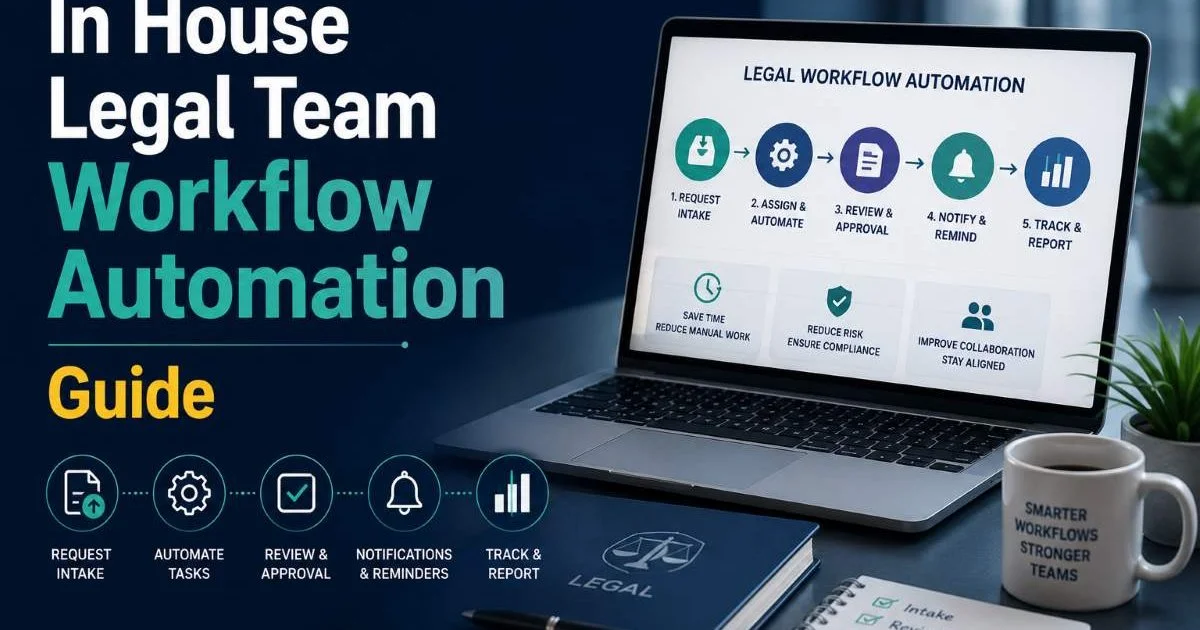
This in house legal team workflow automation guide is built for teams that are tired of chasing signatures, manually routing approvals, and drowning in spreadsheets that were supposed to be "temporary." If your legal department still relies on email chains to track contract status or compliance deadlines, you're spending hours on work that software can handle in seconds.
The reality is stark: legal teams that fail to automate risk bottlenecks that slow the entire business. Automation isn't about replacing attorneys. It's about freeing them to do actual legal work instead of administrative busywork.
Understanding what legal operations actually means and how it works is the foundation for everything that follows. This guide walks you through four concrete steps to build automation into your legal workflows, starting today.
Key Takeaways
- Map every existing workflow before selecting any automation tool or platform.
- Start automating contract intake and NDA workflows first for quick, visible wins.
- Compliance tracking automation reduces missed deadlines by over 60 percent on average.
- Choose tools that integrate with your existing tech stack, not standalone solutions.
- Measure time saved per task monthly to justify continued investment in automation.
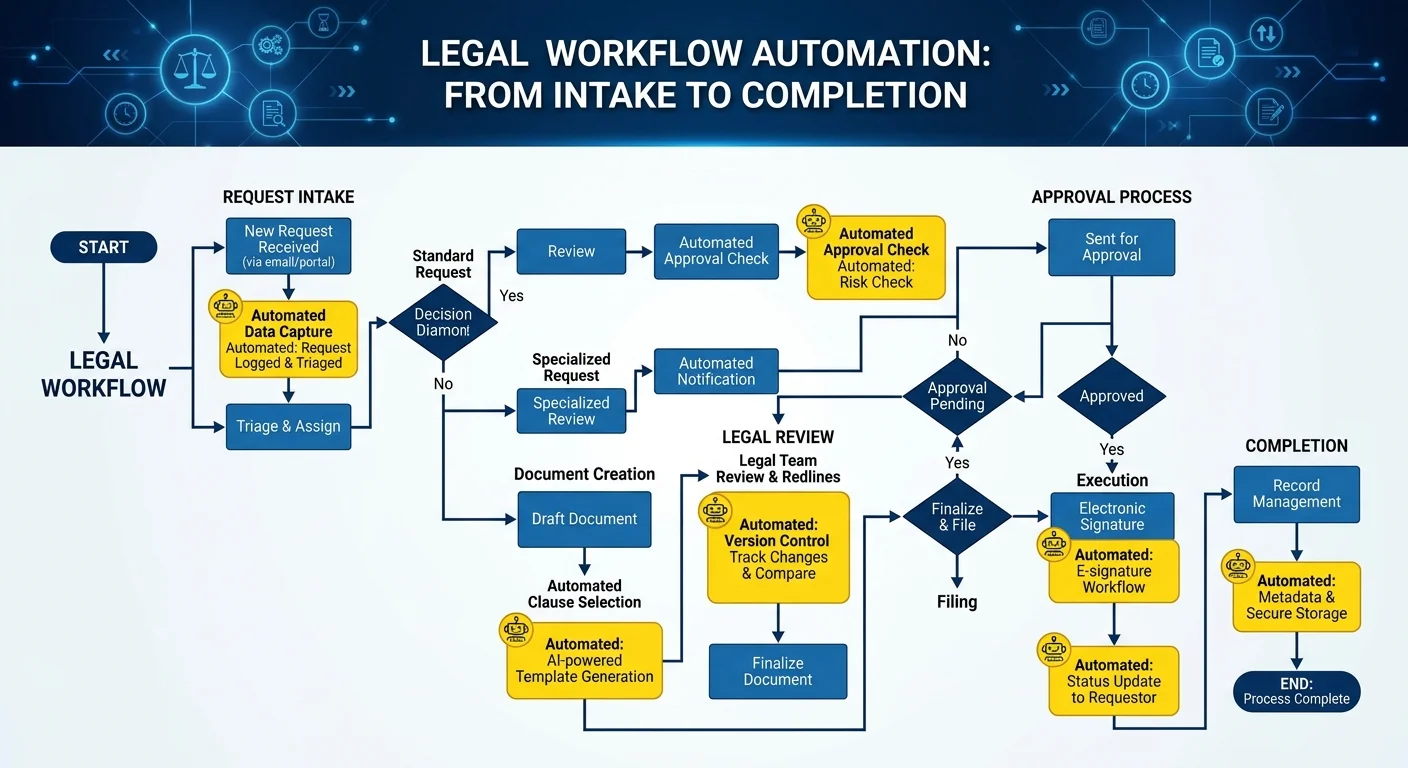
Step 1: Audit and Map Your Current Legal Workflows
Identify Bottlenecks and Manual Handoffs
Before you automate anything, you need a clear picture of what your team actually does every day. Sit down with each team member and document the processes they touch, from contract requests coming in through Slack or email to the final signature and storage. Pay attention to where things stall. If a standard NDA takes three days because it sits in someone's inbox waiting for review, that's a bottleneck worth flagging.
Most in-house legal teams discover that 30 to 40 percent of their time goes to repetitive, rules-based tasks. These include routing documents for approval, sending reminders about upcoming deadlines, and updating status trackers. Each of these is a prime automation candidate. Talk to stakeholders outside legal too. Sales teams, procurement, and HR all interact with your workflows, and their frustrations reveal where manual handoffs create delays.
Document Your Workflow Inventory
Create a simple inventory of every workflow your team manages. List the process name, the trigger that starts it, the steps involved, the people who touch it, and the average completion time. A shared spreadsheet works fine for this. The goal is visibility. You cannot automate what you haven't defined. For teams struggling with legal document organization, this audit often surfaces chaotic folder structures and inconsistent naming that automation can later standardize.
Group your workflows into categories: contract lifecycle, compliance and regulatory, corporate governance, litigation support, and general legal requests. This categorization matters because different workflow types benefit from different automation approaches. Contract workflows are highly structured and template-driven, while litigation support involves more judgment calls. Your inventory becomes the roadmap for every automation decision that follows.
Use a shared document or visual tool like Miro to map workflows collaboratively with your team rather than guessing from memory.
Step 2: Prioritize Workflows by Automation Impact
The Automation Priority Matrix
Not every workflow deserves automation at the same time. The smartest approach uses a two-axis priority matrix: one axis measures frequency (how often the task occurs), and the other measures complexity (how many decision points and exceptions exist). High-frequency, low-complexity tasks go first. These deliver the fastest return on investment and build momentum within the team. Think NDA processing, basic contract intake forms, and compliance deadline reminders.
| Workflow Type | Frequency | Complexity | Automation Priority | Estimated Time Saved/Month |
|---|---|---|---|---|
| NDA Processing | High (20+/month) | Low | Immediate | 15 to 20 hours |
| Contract Intake Requests | High (30+/month) | Low | Immediate | 10 to 15 hours |
| Compliance Deadline Tracking | Medium (weekly) | Medium | High | 8 to 12 hours |
| Board Resolution Drafting | Low (quarterly) | Medium | Medium | 3 to 5 hours |
| Litigation Hold Notices | Low (as needed) | High | Lower | 2 to 4 hours |
| Policy Review Cycles | Low (annually) | High | Lower | 5 to 8 hours |
This in house legal team workflow automation guide emphasizes starting small because early wins matter politically. When the sales team sees NDAs processed in hours instead of days, they become advocates for your automation budget. When the CFO sees measurable time savings, future investments get approved faster. Avoid the temptation to automate your most complex workflow first. Complex processes need iteration, testing, and refinement that can stall momentum.
Contract Management as the Starting Point
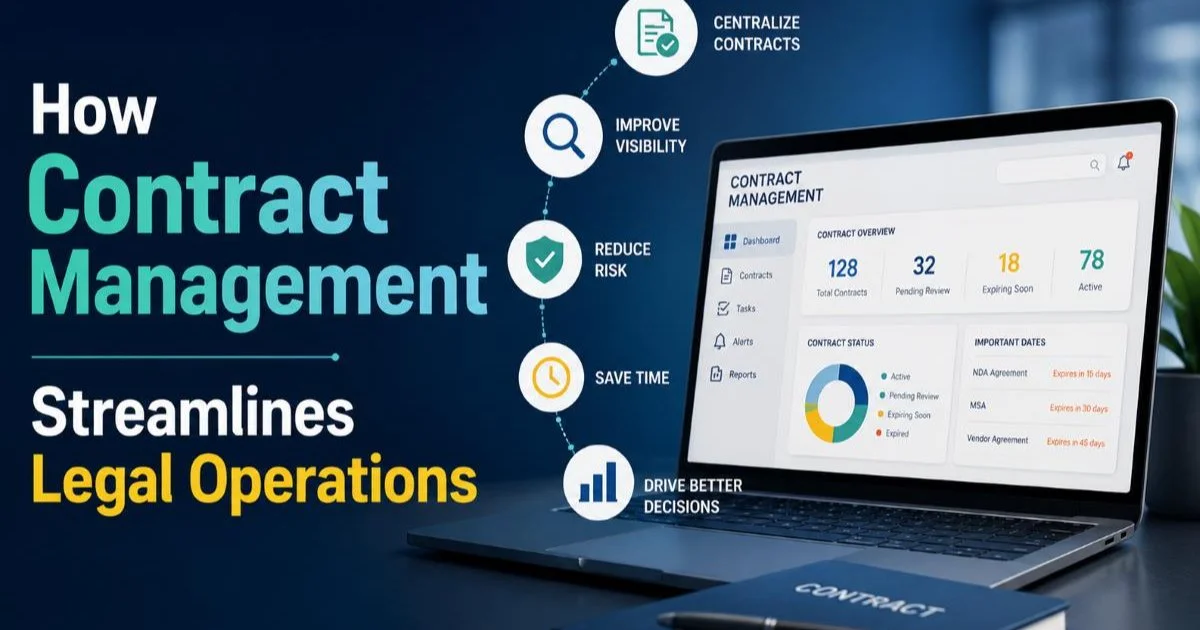
Contract management is the single most impactful area to automate for most in-house teams. The lifecycle from request through drafting, negotiation, approval, execution, and renewal is full of repeatable steps. Understanding how contract management streamlines legal operations helps you build a business case that resonates with leadership. Automated intake forms alone eliminate ambiguous email requests and force requesters to provide the information you actually need upfront.
Beyond intake, automated routing sends contracts to the right reviewer based on type, value threshold, or business unit. Approval workflows with built-in escalation paths prevent contracts from languishing. Renewal alerts triggered 90 or 60 days before expiration give teams time to renegotiate rather than auto-renew unfavorable terms. Each of these automations is straightforward to implement and delivers measurable value within weeks.
"The teams that automate contracts first don't just save time; they change how the rest of the company perceives legal."
Step 3: Select and Implement Automation Tools
Matching Tools to Workflow Types
Your tool selection should follow your workflow audit, not precede it. Too many teams buy a contract lifecycle management platform before understanding whether their real pain point is compliance tracking or document assembly. For contract-heavy operations, dedicated CLM platforms like Ironclad or Juro offer deep functionality. For broader workflow automation across request management and approvals, platforms like ServiceNow Legal or even configured tools like Monday.com can work surprisingly well.
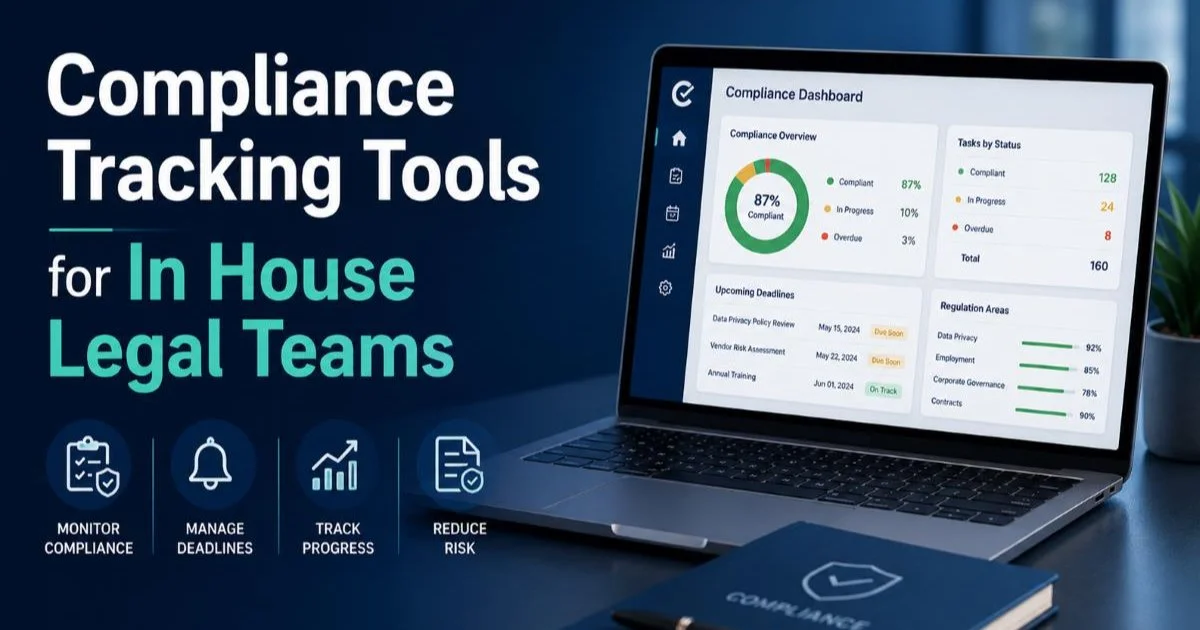
Teams managing significant compliance obligations should evaluate compliance tracking tools built specifically for in-house legal teams. These platforms automate deadline monitoring, regulatory change alerts, and audit trail documentation. The key selection criterion is integration capability. A tool that cannot connect to your email system, document repository, and e-signature platform creates new manual steps instead of eliminating existing ones. Always request a sandbox environment and run your actual workflows through it before committing.
Avoid selecting tools based on feature lists alone. A tool with 200 features you never use costs more than a simpler one that handles your top five workflows perfectly.
Integration and AI Considerations
Modern legal automation increasingly incorporates AI for tasks like contract clause extraction, risk scoring, and document summarization. The underlying language models powering these features vary significantly in capability. If you're evaluating AI-powered tools, understanding which large language models perform best for agent-based tasks helps you ask better questions of vendors. Not every AI integration is equally reliable, and legal work demands accuracy that consumer-grade AI often cannot deliver.
On the implementation side, security matters enormously. Any automation tool handling legal documents must meet your organization's data governance requirements. Ask vendors about SOC 2 compliance, data residency, encryption at rest and in transit, and access controls. For teams running automated processes in development or CI/CD pipelines, the principles behind automated vulnerability detection in pipelines apply equally to legal tech: build security checks into the automated flow rather than bolting them on afterward.
AI-powered contract review tools work best as a second set of eyes, not a replacement for attorney review. Always keep a human in the loop for high-risk agreements.
Step 4: Measure, Optimize, and Scale
Key Metrics to Track
An in house legal team workflow automation guide is incomplete without measurement. Automation without metrics is just hope dressed up as strategy. Track these numbers from day one: average cycle time per workflow (before and after automation), number of manual touchpoints eliminated, error rates on automated versus manual processes, and team hours reclaimed per month. Set baselines before you launch any automation so you can demonstrate concrete improvements.
Report these metrics monthly to both the legal team and business leadership. Use time-saved figures translated into dollar equivalents when speaking with the CFO. If automation saves 40 attorney hours per month and your blended hourly rate is $200, that's $8,000 per month in recaptured capacity. Frame automation ROI in terms the business already cares about: speed to close deals, reduced compliance risk, and lower outside counsel spend.
Scaling Automation Across the Department
Once your initial automations run smoothly for 60 to 90 days, begin expanding. Take what you learned from contract workflows and apply the same methodology to compliance processes, board governance tasks, or legal hold management. Each new automation follows the same pattern: map the workflow, identify automation points, configure the tool, test with real scenarios, and measure results. This disciplined approach prevents the chaos of trying to automate everything simultaneously.
Build an internal playbook documenting each automated workflow, including the business rules, exception handling procedures, and the team member responsible for monitoring it. This playbook is your in house legal team workflow automation guide in practice. It protects against knowledge loss when team members leave and provides a training resource for new hires. Review it quarterly, because workflows evolve as regulations change and business needs shift. What you automated six months ago may need adjustment today.
Assign an "automation owner" for each workflow who reviews performance monthly and flags when processes need updates or when new automation opportunities arise.
Frequently Asked Questions
?How do I create a workflow inventory if my team lacks documentation?
?Should I automate contract workflows before compliance tracking?
?How long does it realistically take to see time savings from legal automation?
?Is it a mistake to automate workflows before fixing chaotic folder structures?
Final Thoughts
Building effective workflow automation for your in-house legal team is a disciplined, iterative process, not a one-time software purchase. Start by mapping what you actually do, prioritize by impact, select tools that integrate with your existing systems, and measure relentlessly.
The teams that succeed treat this in house legal team workflow automation guide as a living framework, revisiting and refining as they grow. Your attorneys didn't go to law school to chase down signatures. Give them the systems that let them focus on the work that actually requires a legal mind.
Disclaimer: Portions of this content may have been generated using AI tools to enhance clarity and brevity. While reviewed by a human, independent verification is encouraged.